Logic Pro FAQs (2026) 30+ Frequently Asked Questions Answered

If you’re new to Logic Pro or thinking about using it, you probably have a lot of questions. Below are some of the most searched Logic Pro FAQs, answered in simple language.
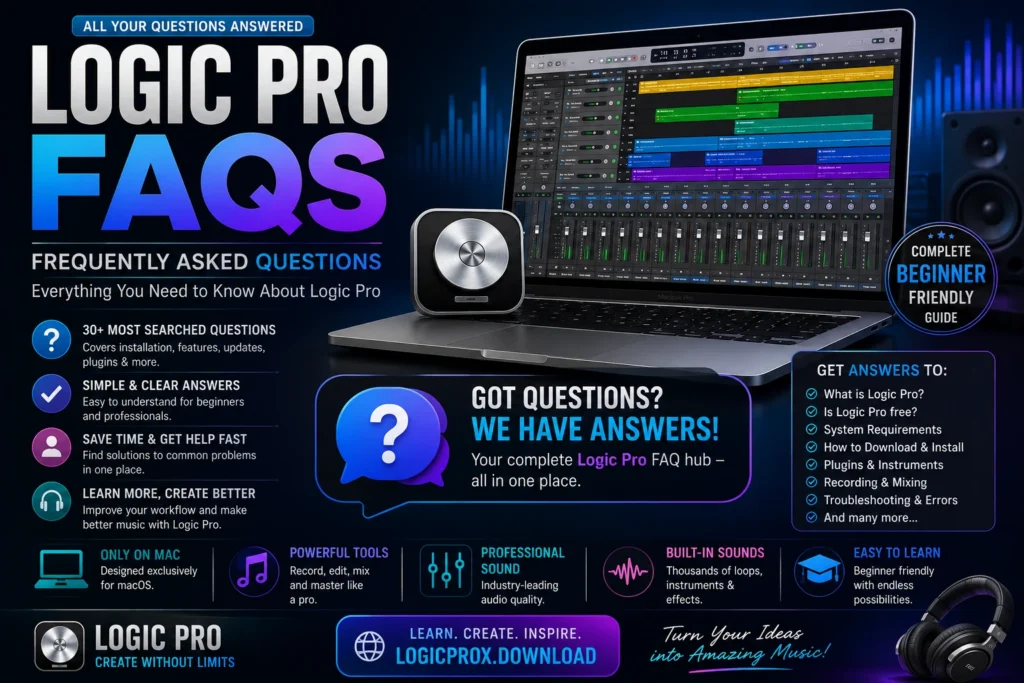
Logic Pro FAQs

Logic Pro is a professional digital audio workstation (DAW) developed by Apple. It allows you to record, edit, mix, and produce music, podcasts, soundtracks, and other audio projects on a Mac.

No. Logic Pro is paid software available through the Mac App Store. Apple occasionally offers a free trial for new users.

No. Logic Pro is officially available only for macOS and cannot be installed on Windows through official channels.

Apple regularly updates Logic Pro with new features, performance improvements, and bug fixes. You can check the latest version in the Mac App Store.

Open the Mac App Store, search for Logic Pro, purchase or download it if you already own it, and install it on your Mac.

You’ll need a compatible Mac running a supported version of macOS, enough storage space, and sufficient RAM for smooth performance.

You’ll need a compatible Mac running a supported version of macOS, enough storage space, and sufficient RAM for smooth performance.

Yes. Logic Pro includes professional tools, but its clean interface and built-in learning resources make it suitable for beginners as well.

Yes. Logic Pro is widely used to record vocals, podcasts, voiceovers, guitars, drums, and many other audio sources.

Absolutely. Logic Pro includes drum machines, samplers, synthesizers, loops, and MIDI tools that are perfect for beat production.

Yes. It comes with thousands of sounds, virtual instruments, drum kits, loops, and professional effects.

Logic Pro supports Audio Units (AU) plugins. VST plugins must be available in AU format to work with Logic Pro.

The application itself requires several gigabytes, but additional sound libraries can use much more storage. Having at least 50 GB of free space is recommended for comfortable use.

Yes. Logic Pro is fully optimized for Apple Silicon processors, including M1, M2, M3, and newer chips.

Most older projects can be opened in newer versions, although some older plugins may no longer be compatible.

Open the Mac App Store, go to the Updates section, and install the latest available update.

Yes. Most USB and MIDI keyboards work perfectly with Logic Pro.

Yes. After installation and activation, you can use most features offline. Internet access is mainly needed for downloads and updates.

Yes. Many podcasters use Logic Pro to record, edit, clean up, and export high-quality audio.

Logic Pro supports basic video playback for film scoring and audio synchronization, but it is not a full video editing application.

Yes. Modern versions include built-in Dolby Atmos tools for immersive audio production.

GarageBand is designed for beginners, while Logic Pro includes advanced recording, mixing, editing, and production tools for professional work.

Yes. Logic Pro includes EQs, compressors, limiters, reverbs, delays, analyzers, and mastering tools.

Yes. Apple provides a large library of royalty-free Apple Loops that you can use in your own projects.

Most beginners can learn the basics within a few weeks. Becoming proficient depends on regular practice and experience.

Yes. Many composers use Logic Pro to create music for films, television, games, and other multimedia projects.

Most Core Audio-compatible audio interfaces work well with Logic Pro.

Yes. Logic Pro allows you to export projects in several audio formats, including WAV, AIFF, and MP3.

Logic Pro includes auto-save and project recovery features, but manually saving your work regularly is still recommended.

If you’re serious about music production, podcasting, or audio editing on a Mac, Logic Pro offers excellent value with its wide range of built-in tools and instruments.

You can learn Logic Pro through official Apple resources, online tutorials, practice projects, and beginner guides like those available on LogicProX.download.

Final Thoughts

Logic Pro is a powerful yet beginner-friendly DAW that continues to grow with regular updates. Whether you’re recording vocals, producing electronic music, editing podcasts, or composing for film, understanding the basics will help you get the most from the software.

If you still have questions, explore our other guides on LogicProX.download, where you’ll find tutorials on downloading Logic Pro, installation, keyboard shortcuts, plugins, system requirements, troubleshooting, and much more.